On this page:
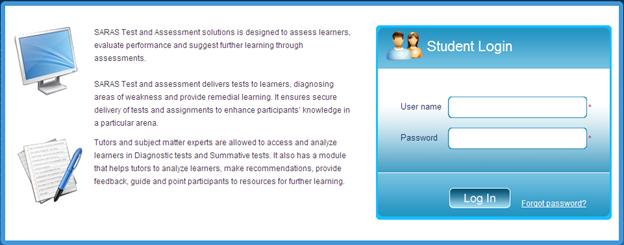
Login is the gateway to access the application. You need your Username and Password before you could login into the application.
Follow the steps below to login:
Enter the Test and Assessment URL in your web browser and click on GO to view the Login screen.
This screen allows you to login and retrieve the password.
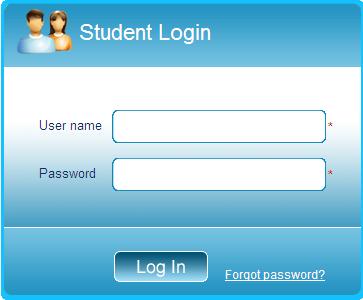
Type the User name and Password in the respective text boxes.
Click on Log In or press Enter key in your keyboard to view Homepage.
Note: Type the User name, Password exactly as given to you. Please note that password is case sensitive.
This section allows you to retrieve your password if you have forgotten.
Forgot Password link is provided in the Login screen.
Follow the steps below to get a new password:
Click on Forgot Password to view the following screen.
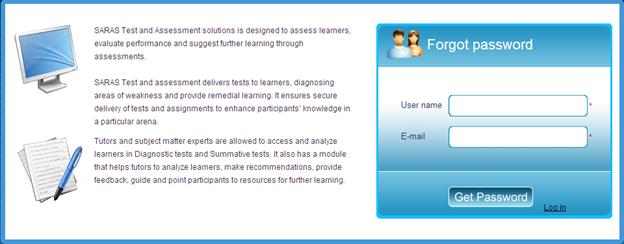
Enter your User Name and E-mail id.
Click on Get Password.
Note: The new password is sent to your E-mail id. You can login with your new password the next time.